Social Media
Grand Lodge of Pennsylvania
Grand Lodge Social Media Outlets:


Grand Lodge branded hashtags (for use in X and Instagram posts):
#pagrandlodge #grandlodgepa #pamasonry #pamason #pamasons, #masonictemplephiladelphia
#masonicbloodandorgandonorprogram #masoniclibraryandmuseumofpa
What types of information should I submit for posting on Grand Lodge social media?
We are constantly evaluating the types of posts that do well on Facebook, Instagram, X and LinkedIn. Our goal for social media is to inspire pride and engagement among the people who follow our page and encourage prospective members to join by showing the benefits of Pennsylvania Masonic membership and the good work being done by lodges and members.
The following is a comprehensive list of the types of submissions that do well on our social media platforms:
- Community service projects (especially new activities that haven’t been done before)
NOTE: These photos must be submitted no later than 5 – 7 days after the event - Blood drives
- Fundraising or social events
- Years of service awards (especially 50 – 75 years)
- Academy of Masonic Knowledge & Lodge of Research events
- Interesting historical facts about Pennsylvania lodges or Masons (include sources)
- Generational stories (three generations or more)
- Holiday events and donations
- Scholarship presentations and donations
- Almoner’s Fund stories
- Lodge anniversary celebrations (include a brief history of the lodge)
- New Grand Lodge appointments
- Award presentations (Master Builder, Master Pillar, Master Craftsman, Century Club, Daniel Carter Beard Masonic Scouter, etc.)
- Lewis Jewel presentations
- Outreach presentations
- Masonic youth group-related activities
What types of photos/video should I submit for posting?
- High-quality, vertical or square images are best
- Any photos or videos you submit from your phone should be sent at the maximum size.
- All photos/video should be sent as attachments, not in a Microsoft Word document
- Interactive group photos are preferred
- Provide names and titles of people in the photos. Be sure to ask their permission before submitting them.
- Videos should be shot vertically and under a minute in length for maximum shareability.
How much content should I provide with my post?
Recommended content length for social media posts is approximately a paragraph or less. Content will be edited for length and style.
How/to whom should I submit my social media submissions?
Please submit your social media content and photo(s)/video(s) to our Public Relations Office via email to pr@masonicvillages.org. You can also use Dropbox or Google Drive; message the Grand Lodge of PA Facebook, Instagram, X or LinkedIn accounts with your submissions; or use the following form: Magazine.pamasons.org/contribute-a-story-idea.
How do I encourage others to like or follow Grand Lodge social media accounts?
If you have liked or followed the Grand Lodge on social media, you can encourage others to do the same by sharing posts, sharing the page/account or inviting people to like the page on Facebook. Whenever you see content from the Grand Lodge appear in your feeds, you can share the post by using the “share” feature on that platform. Or, you can tag friends in the comments section of the post to share the content with people who may be interested in posts from the Grand Lodge page.
May I share Grand Lodge social media posts on my District, Lodge or personal page/account?
YES!
We encourage people to share, comment on and like/react to content from the Grand Lodge’s social media accounts. It allows a wider audience to see the content. More information about sharing posts on individual platforms is available below.
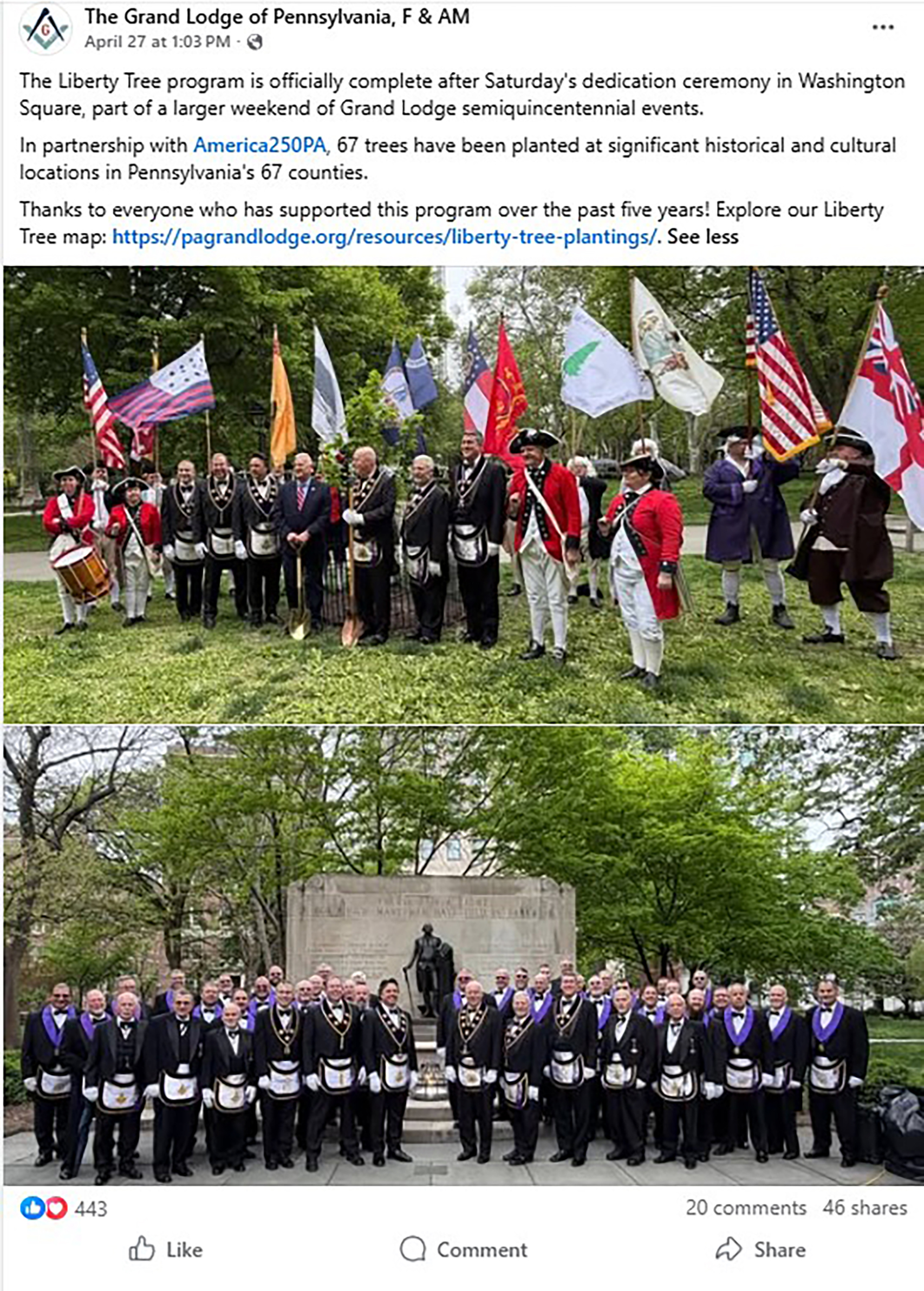
How to Share Content on Facebook:
- Find the post you want to share.
- Click “share” at the bottom of the post:

- Share to your personal page or a page that you manage. You will be given the opportunity to personalize your post if you so choose.
How to Share Content on Instagram – Direct Message/Story:
- Find the post you would like to share to your Instagram Story or in a direct message.
- Click the “Message” button.
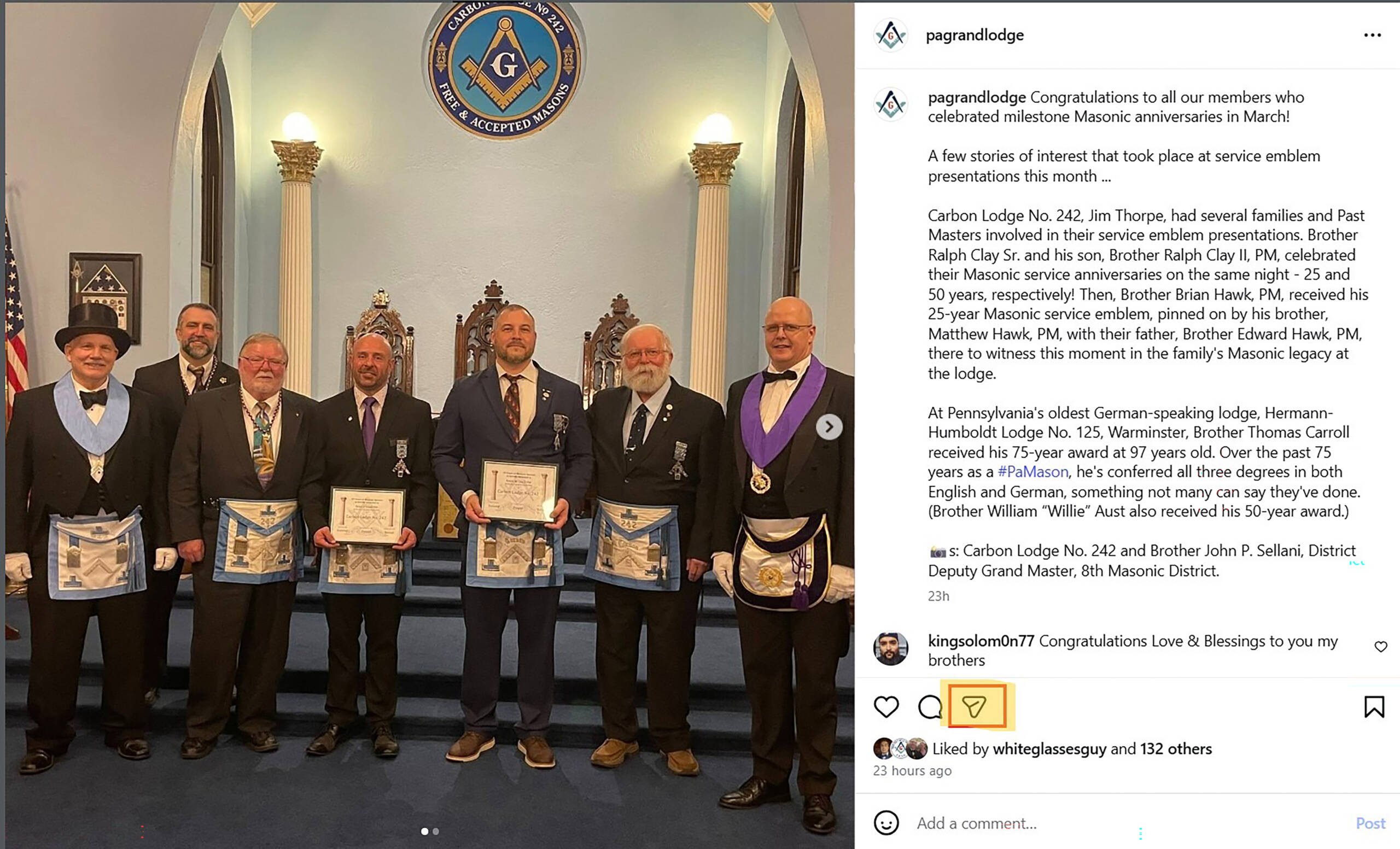
- Select the recipient(s) or hit “Add to Story.”
How to Share Content on Instagram – Feed:
Repost method (mobile devices only):
- Open the Instagram app on your device.
- On any public reel or post you’d like to repost, tap Repost.
- To add any text to your repost, tap the bubble by your profile picture on the bottom left of the reel or post.
- Include any text you’d like to share with your repost.
- Tap Save.
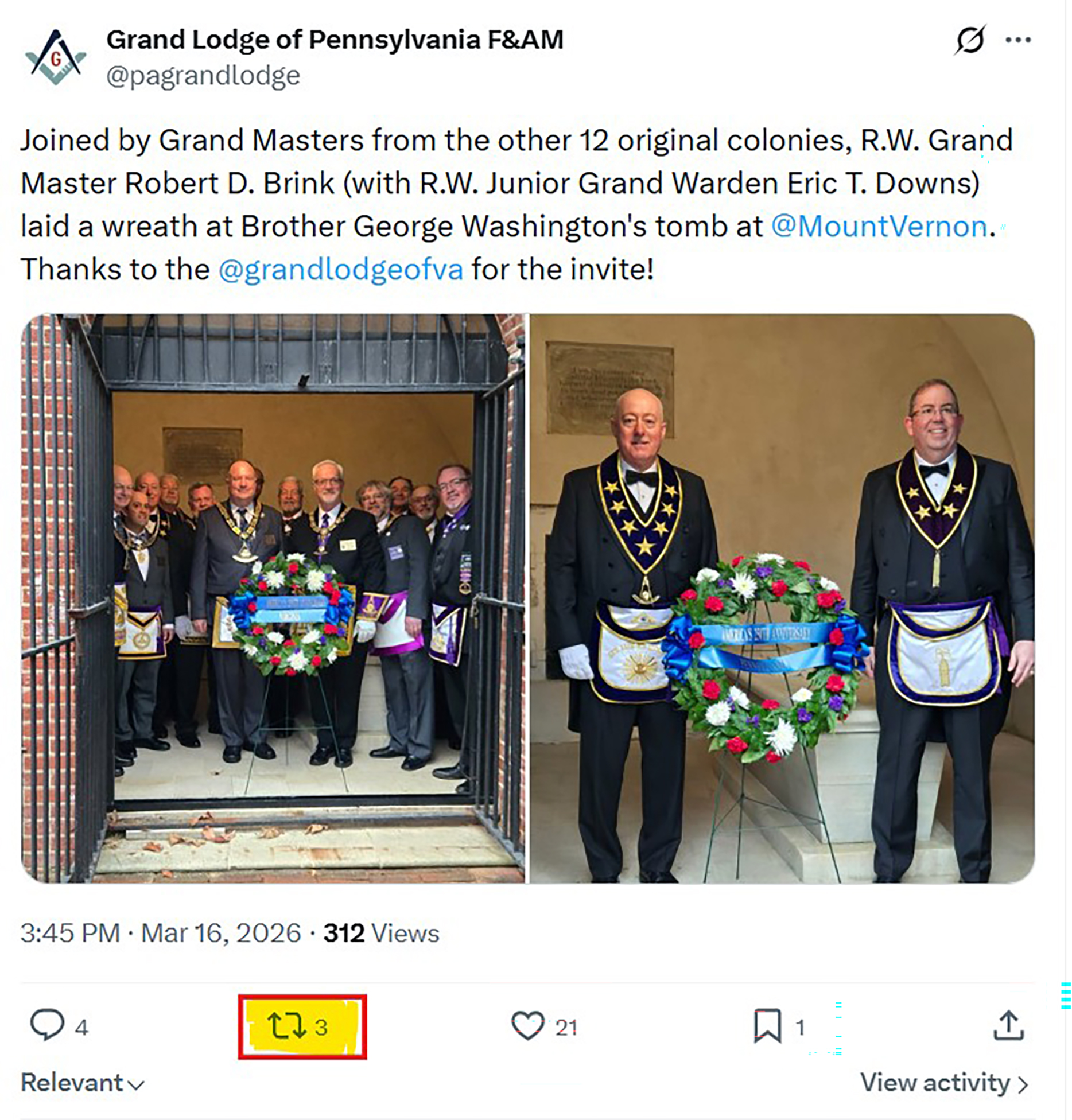
How to Share Content on X – Direct Message/Story:
- Find the post you want to share.
- Click the “Repost” button in the center below the post. (You can choose to repost as is, or “Quote,” to add commentary.)
- To share privately, click the download button and choose “Send via Direct Message or “Copy Link.”